
Start your way
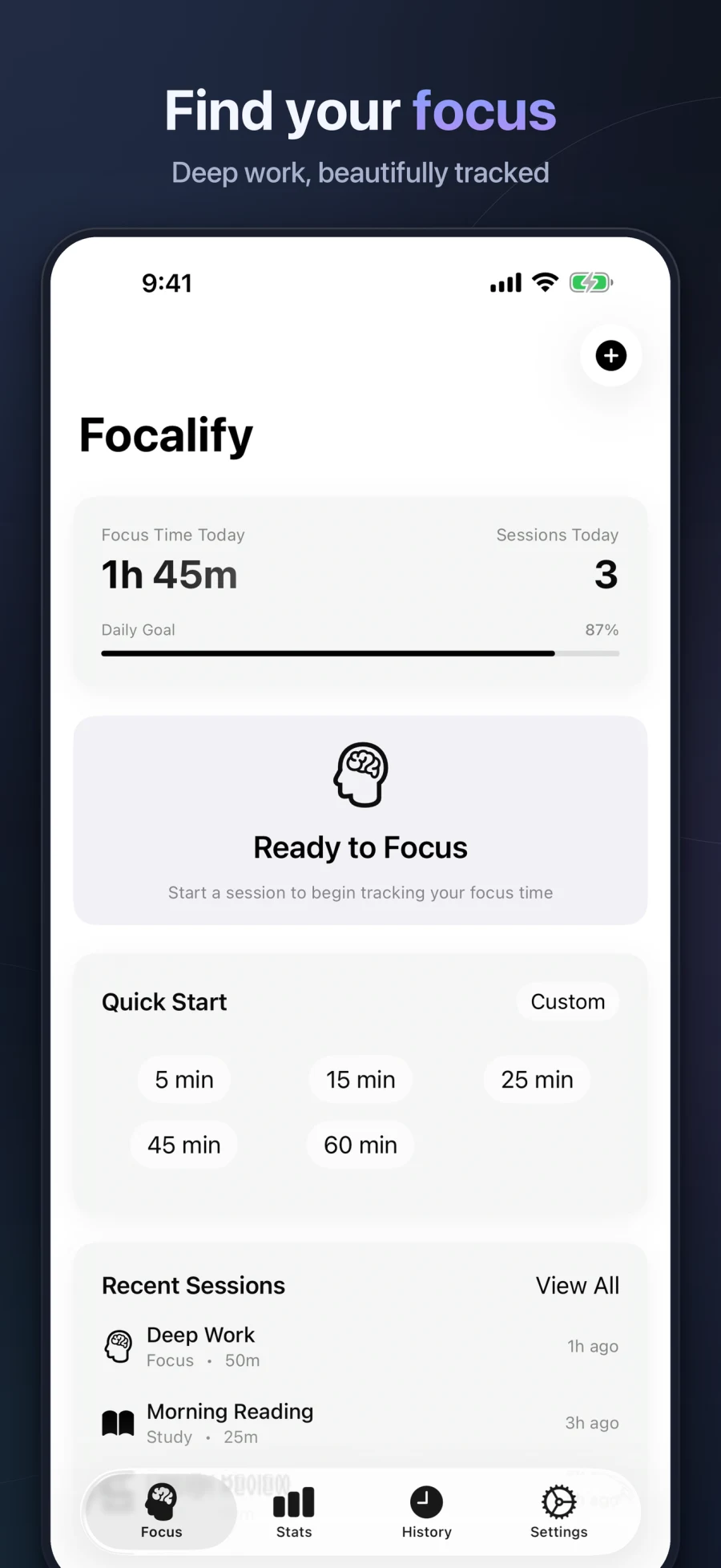
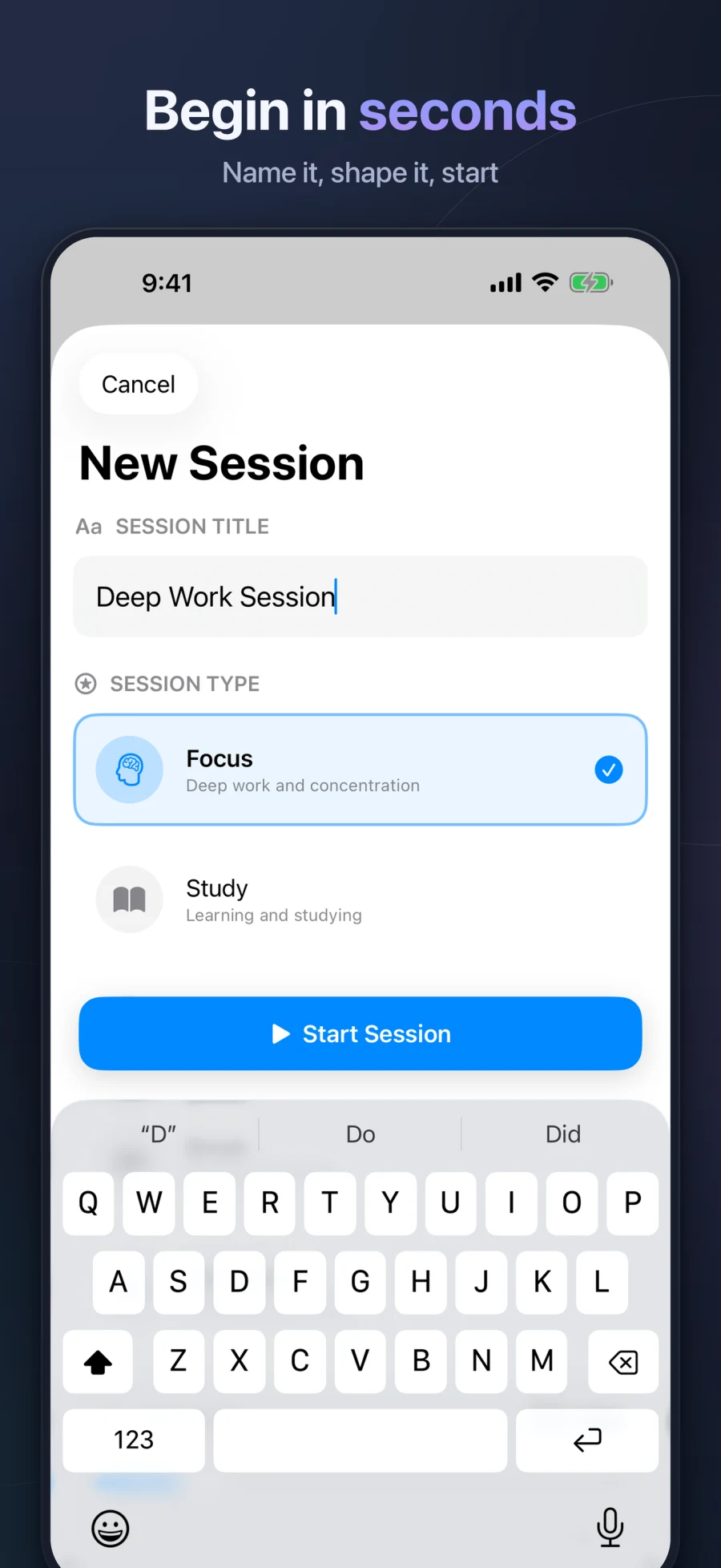
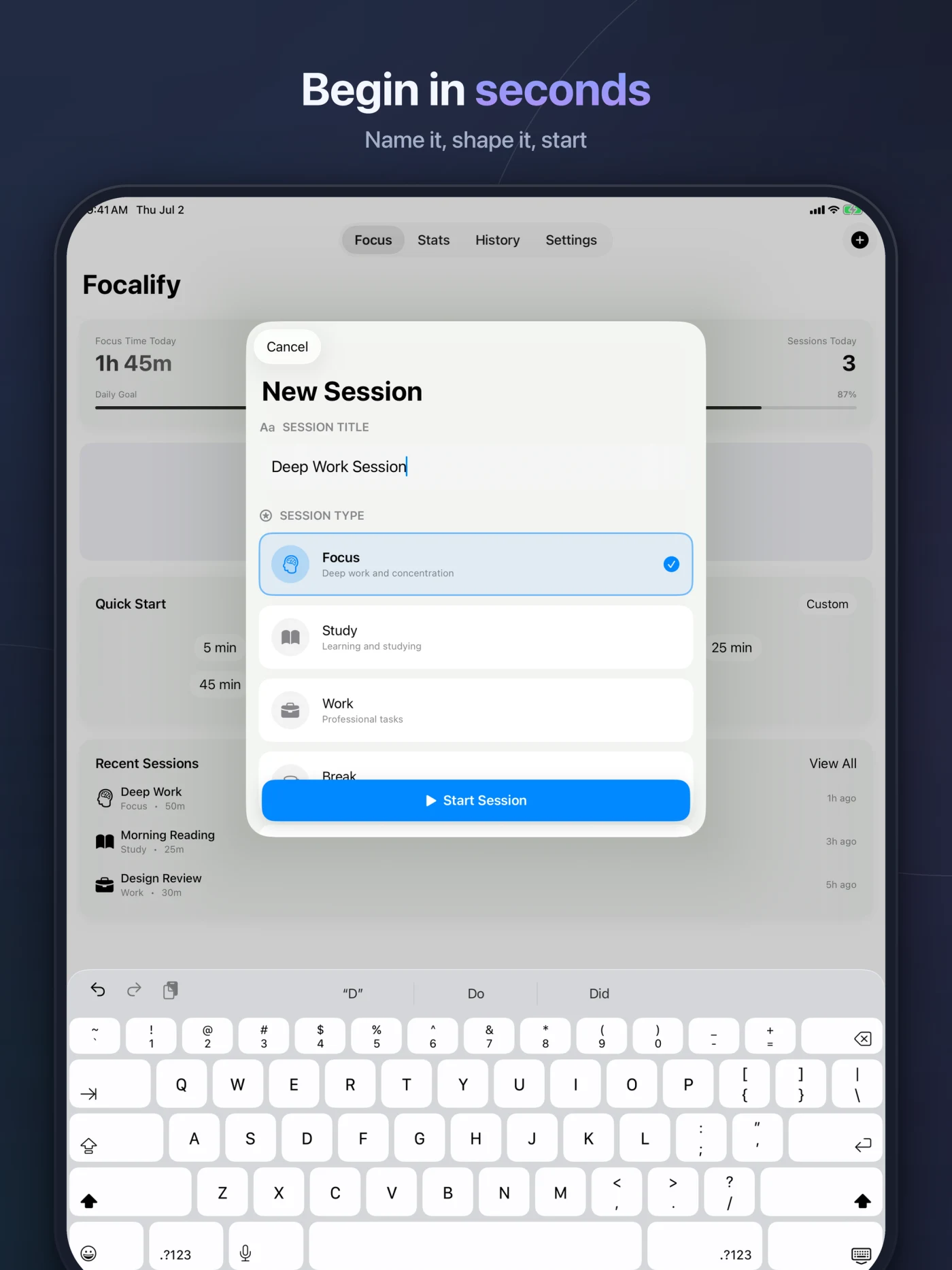
Pick Focus, Study, Work, Break, or Meditation. Use a quick duration or name a custom session.
Focus Timer & Productivity · Free on the App Store
Focalify turns deep work into a simple rhythm: choose a session, let the noise fall away, and build a focus habit you can actually see.
For iPhone, iPad, Mac, and Apple Vision Pro
Focus, without the friction
Every part of Focalify is designed to make beginning easier and returning to the task feel natural.
Pick Focus, Study, Work, Break, or Meditation. Use a quick duration or name a custom session.
Combine Auto-start Breaks with Pomodoro Mode to move naturally from focus to break and back again.
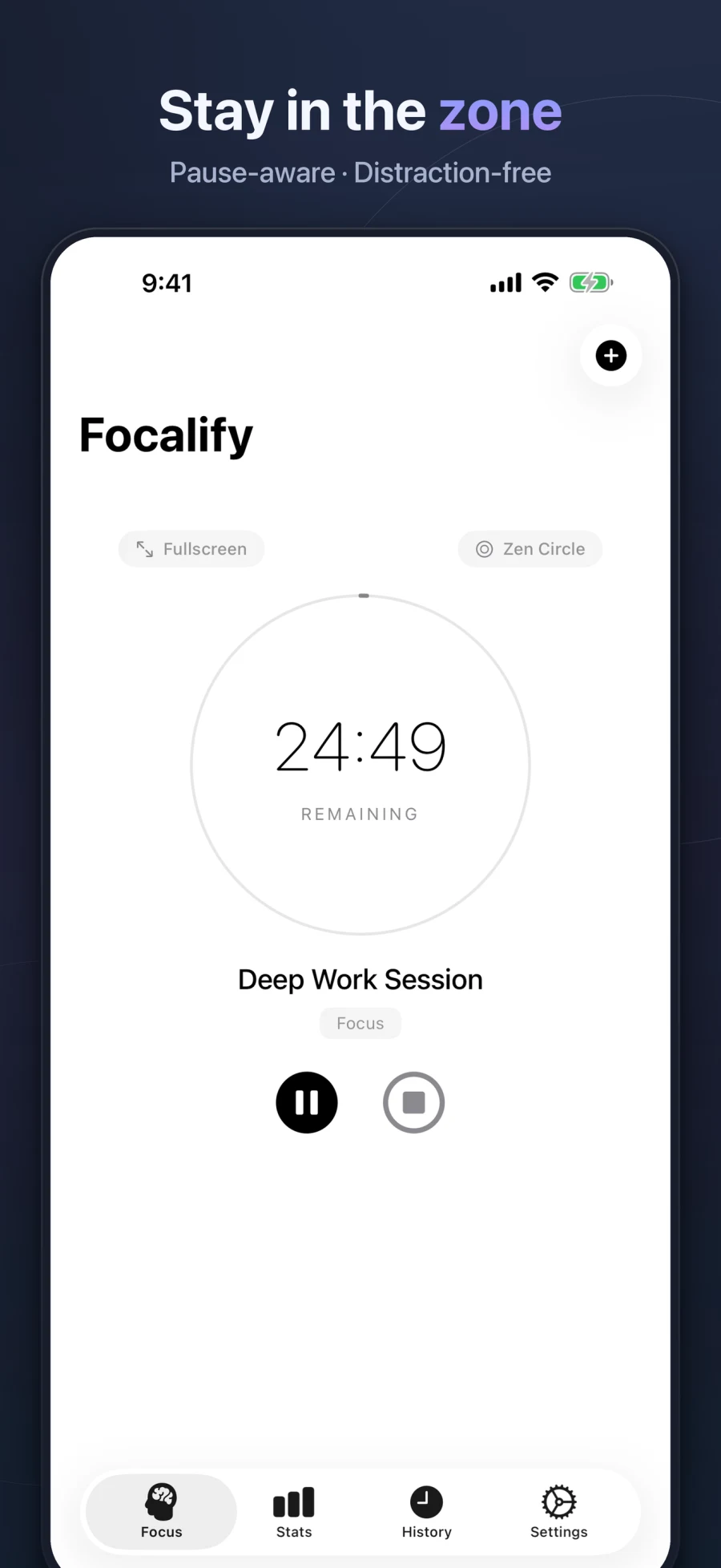
Choose from ten calm timer visualizations, from Zen Circle and Flowing Waves to a minimal countdown.
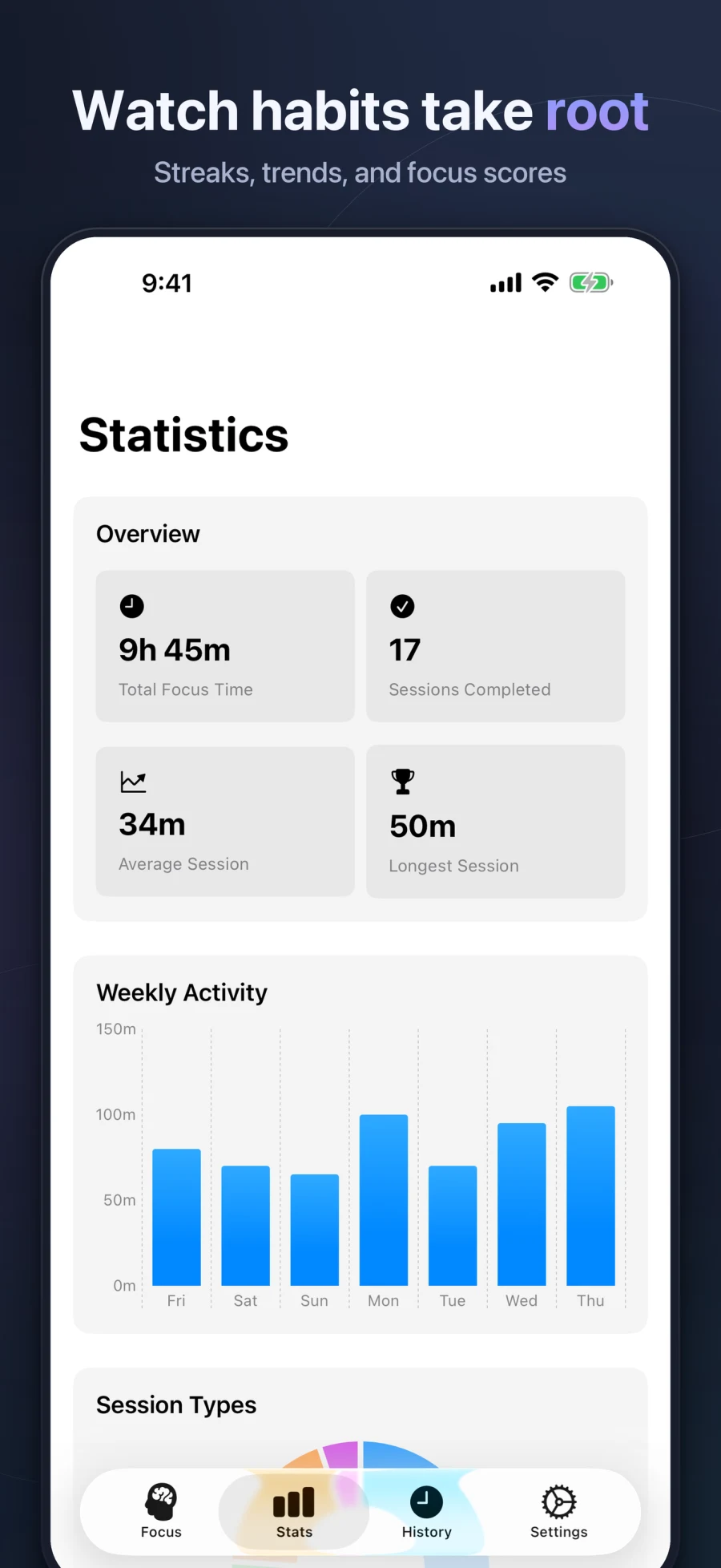
Daily and weekly goals, streaks, statistics, and awards turn consistent effort into something tangible.
Search your history, rename sessions, add notes, and repeat a useful session with one tap.
Use Live Activities, Dynamic Island, Siri Shortcuts, keyboard shortcuts, and the optional Mac menu-bar timer.
A timer that meets you where you are
Choose a visual rhythm that feels quiet, energizing, or almost invisible. Your timer can change without changing your routine.
Progress that feels human
Focalify shows the shape of your focus over time without turning productivity into pressure.
Native where it matters
Focalify adapts to each screen while private iCloud sync keeps your history and preferences in step.
iOS 17+
Live Activities and Dynamic Island keep an active session in sight.
iPadOS 17+
A spacious dashboard for planning, timing, and reviewing your focus.
macOS 14+
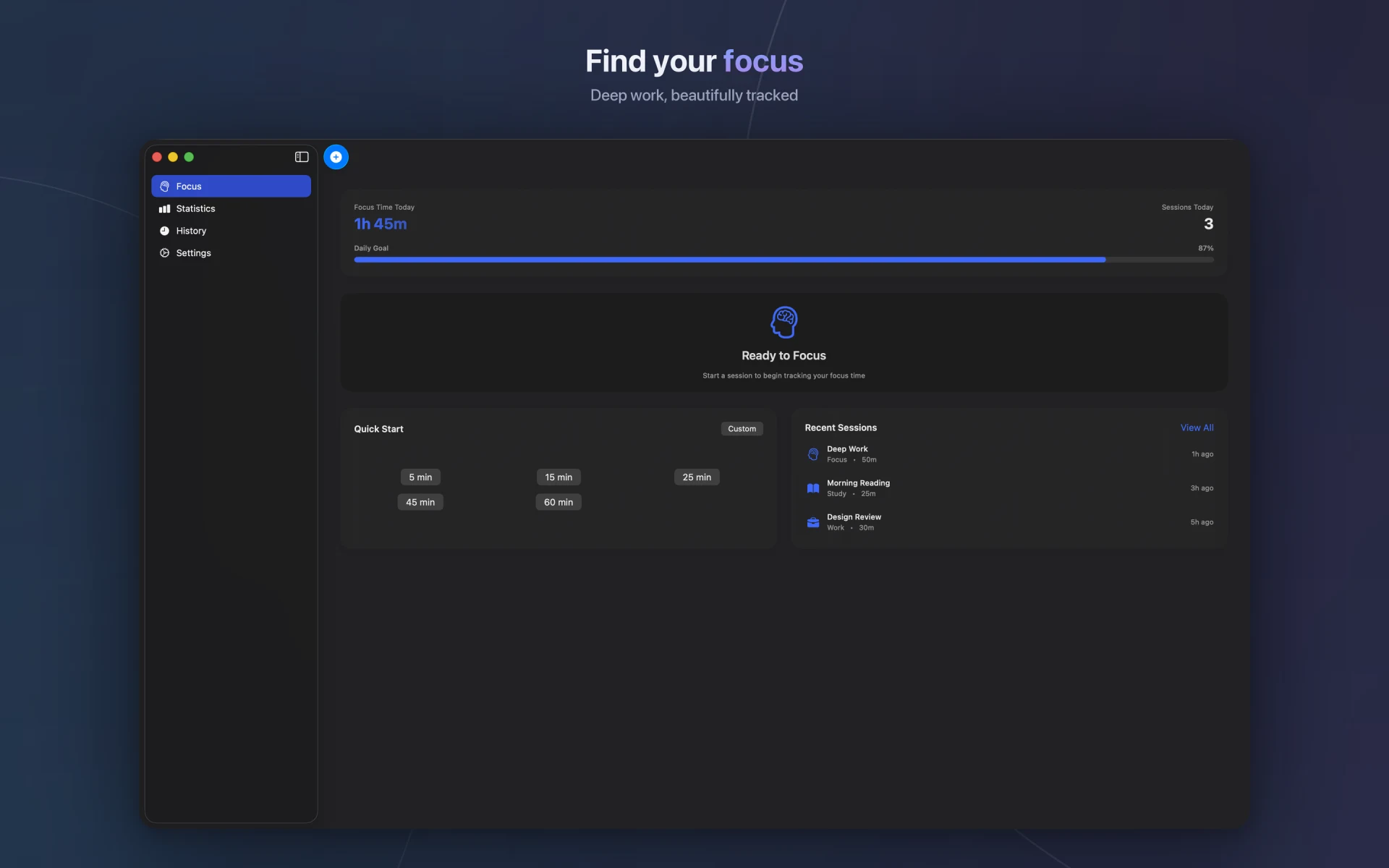
Keyboard shortcuts and an optional menu-bar countdown fit desktop work.
visionOS 1+
A native Vision Pro interface for starting sessions and checking progress.
A closer look
The current Focalify experience across session setup, active focus, progress, and desktop work.
Swipe to explore
Product screenshots are shown in English. Focalify’s interface is also available in German, Spanish, French, Japanese, and Simplified Chinese.
Private by design
Focalify does not require an account. Your sessions live on your devices and, when iCloud is available, in your private iCloud container. There are no third-party ads or analytics SDKs.
Read the privacy policyBegin with one session
Download Focalify and turn the next few minutes into real momentum.
Download free on the App Store Free · No account required